


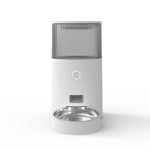
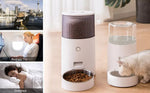

Intelligent Pet Feeder for Cats Fixed Time and Quantitative Dat Food Automatic Feeding Machine for Dog Food APP Control Smart Feeder Stainless Steel Bowl
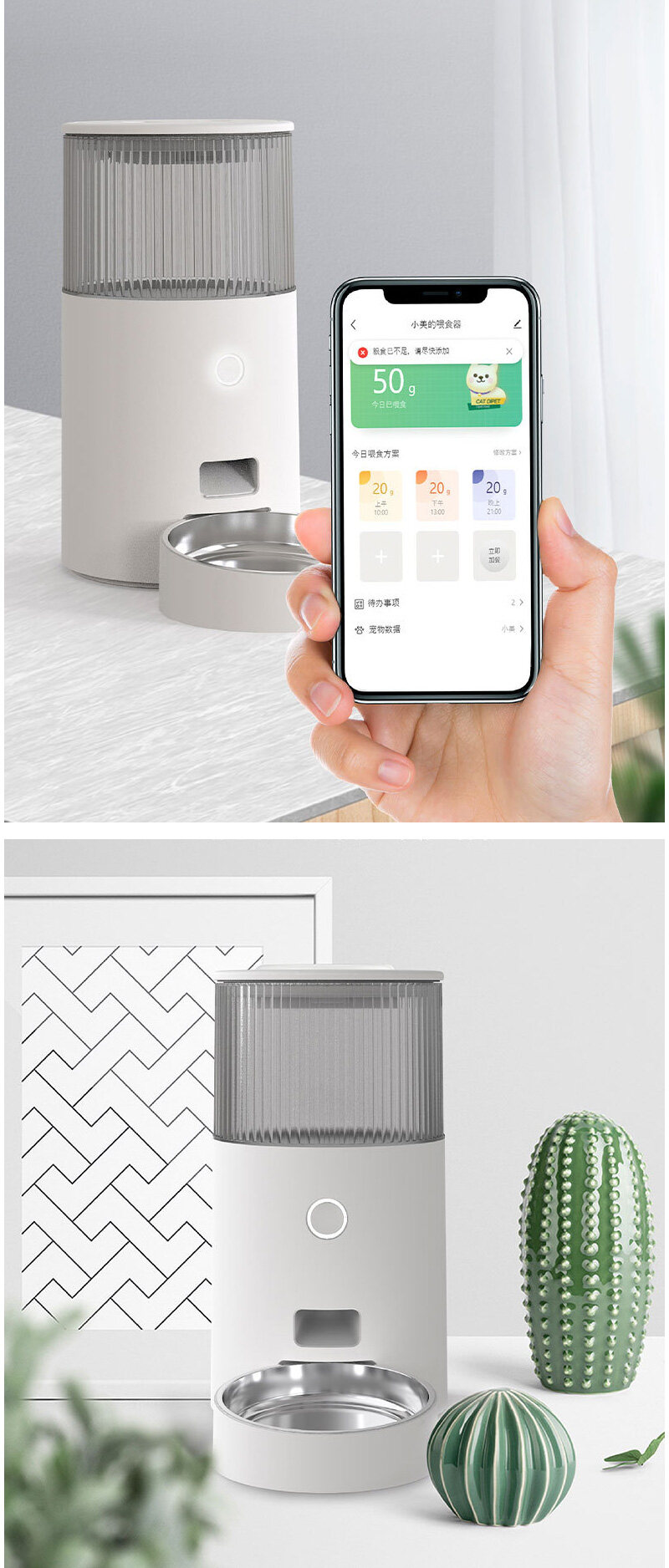
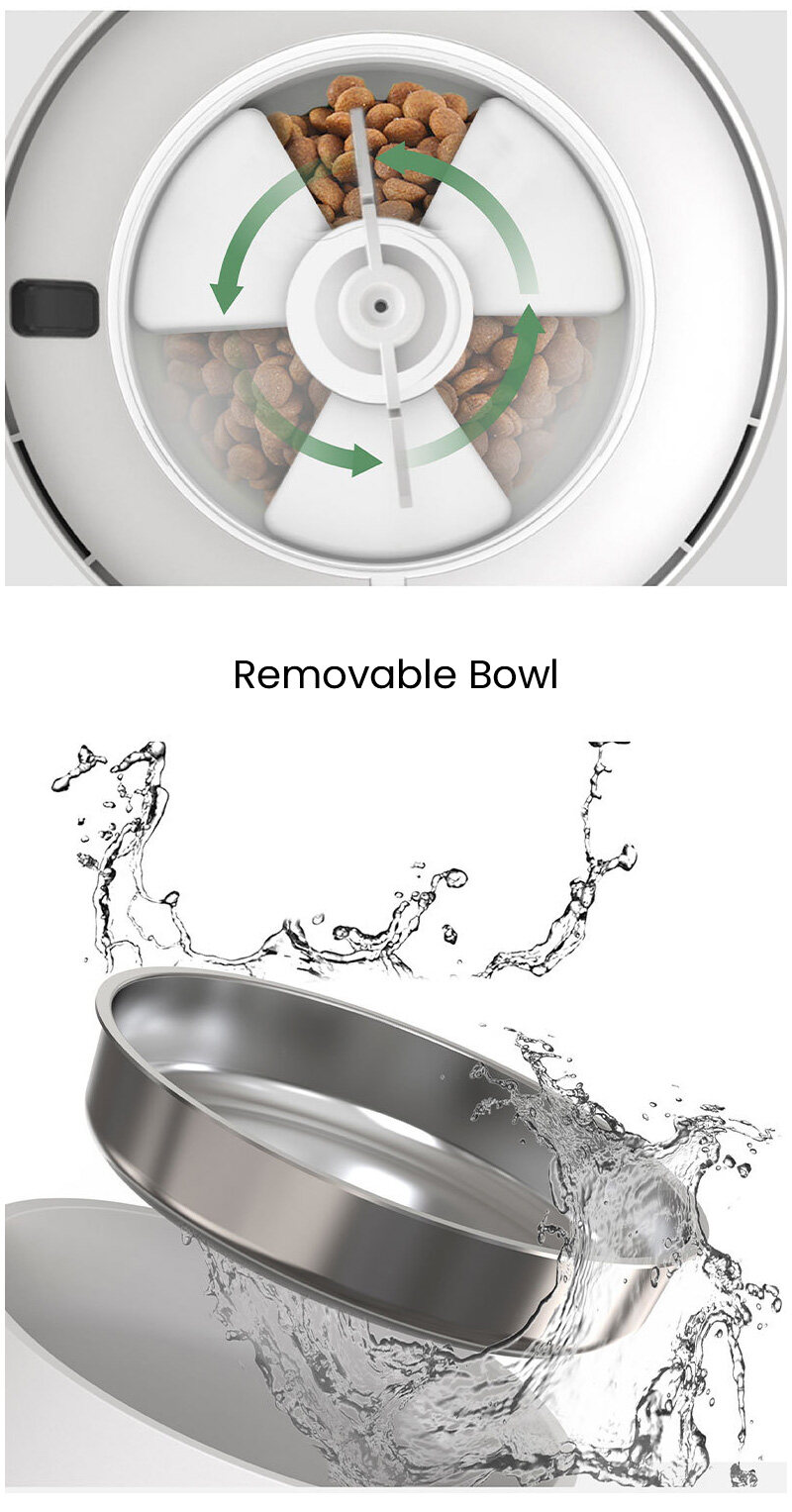
Scientific feeding time and quantitative
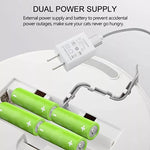
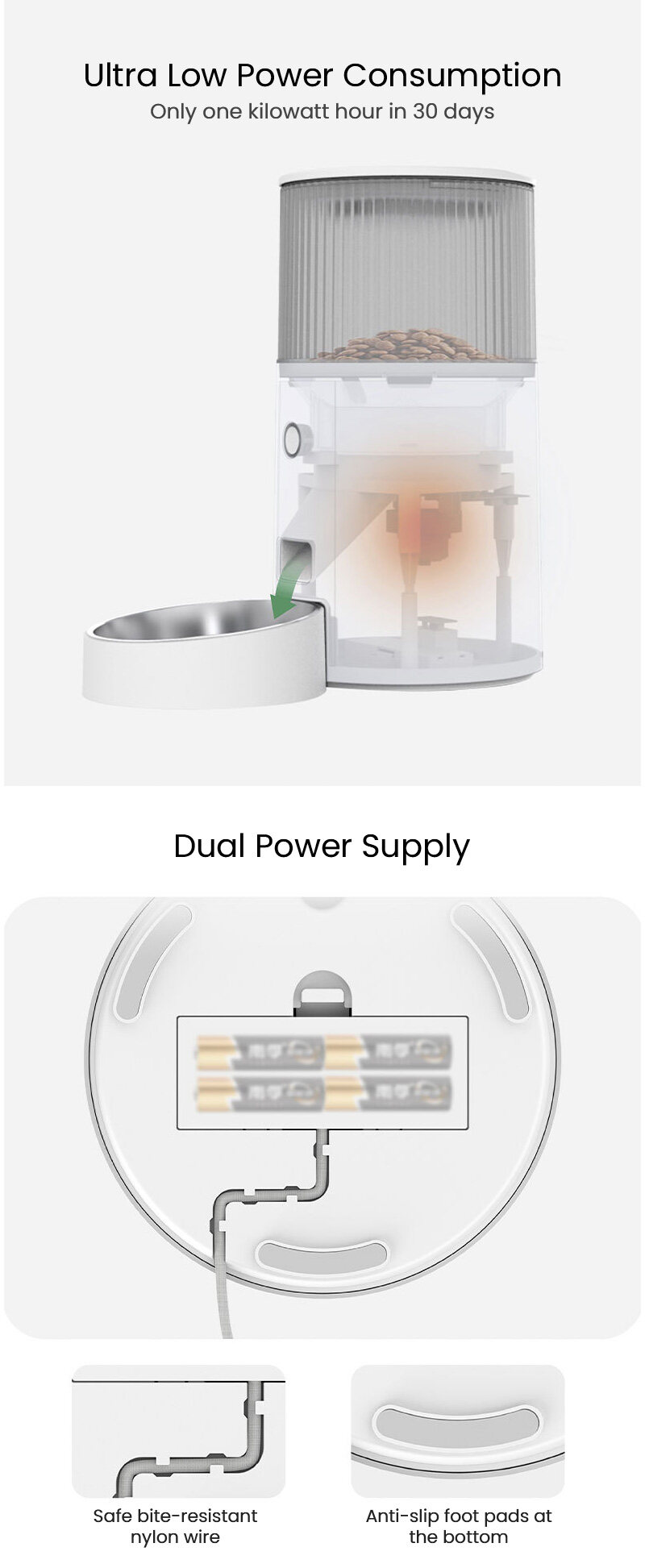
Ultra-low power consumption, worry-free and burden-free
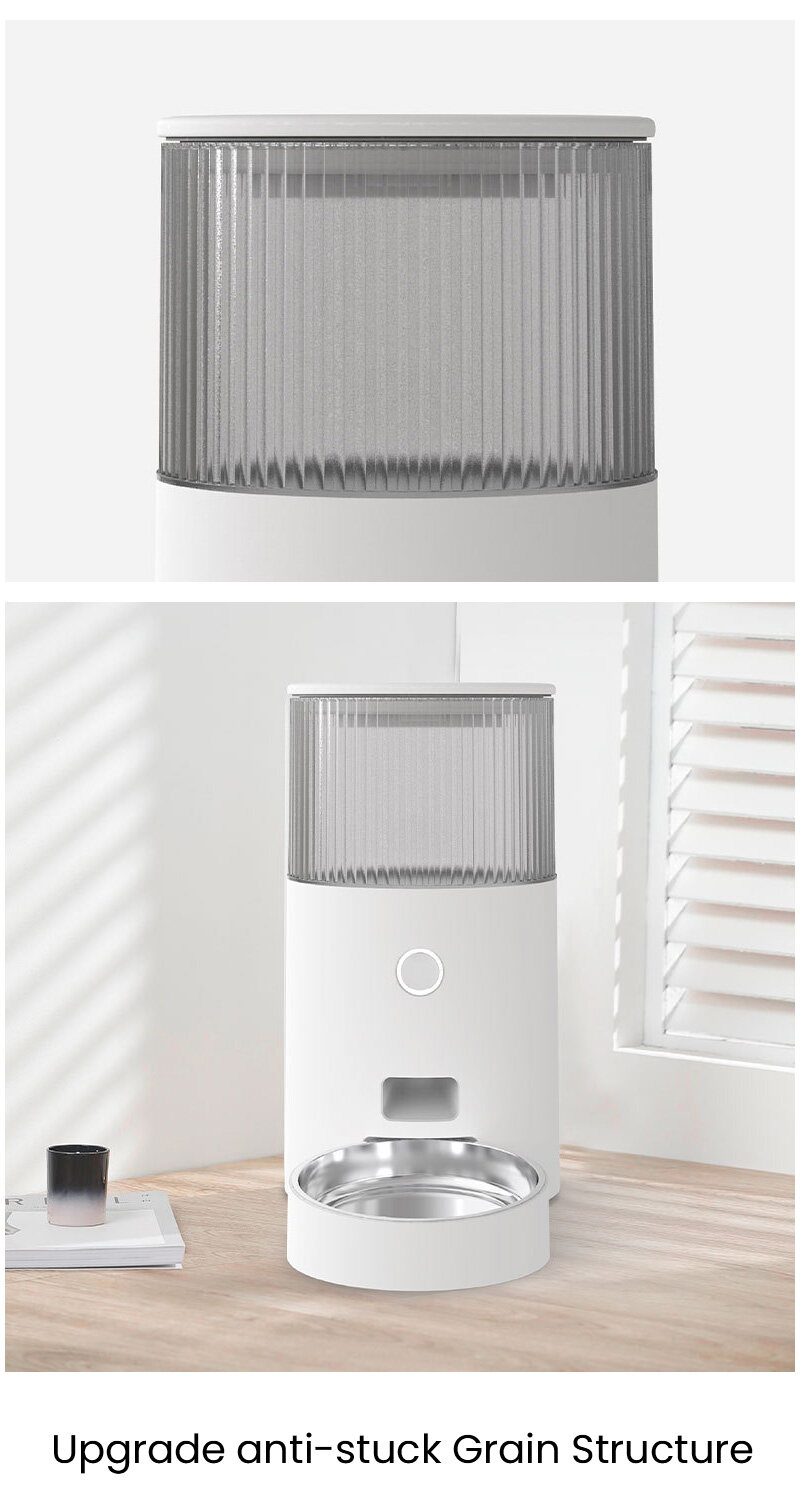
Capacity: 2.5L
Color: pure white
Applicable objects: cats/small dogs
Battery backup: AA battery (4 sections)
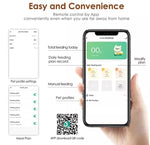
APP download
Download guidelines for IOS users: search for "smart life" in the App Store, download, register and log in.
Download guidelines for Android users: It is recommended to search for Baidu first to download and install the "Appbao" APP, search for "Dippet Smart" in the app, download, register and log in.
Download Guidelines for Overseas Users: It is recommended to download the Google App Store APP first, search for "Dippet Smart", download, register and log in.
How to connect:
1. Put 4 AA batteries into the battery compartment as a backup power source or just plug in the USB cable(1) Open the app, register and log in to the account
2. There are two connection methods:--Bluetooth Mode1.Connect the power supply, the machine is powered on, and the indicator light starts to flash evenly2. Turn on the Bluetooth of the mobile phone, open the APP, click the "+" or "Add Device" in the upper right corner
3. Click the device that jumps out to add
4. Follow the instructions of the app and enter the wifi password, please make sure that the phone is connected to 2.4G wifi, not 5G wifi
5. Connection start, please wait for a while
6. The connection is successfu
l--AP Mode
1. Turn on the machine, wait for a while, the indicator light starts to flash evenly, press and hold the button for about 5 seconds, release it after a beeping sound, the indicator light transforms into an irregular flashing mode (we call “breathing flashing”)
2. Turn off the cellphone’s Bluetooth, open the APP, and click on the "+" or "Add Device" in the upper right corner
3. Click "Paring Mode" in the upper right corner, select AP Mode, and click confirm
4. Enter the wifi password as prompted by the app, please make sure that the phone is connected to 2.4G wifi, not 5G wifi
5. Follow the app prompt to connect to the hotspot "SmartLife-XXXX"
6. Return to the app and start connecting, please wait for a while
7. The connection is successful.
Lorem ipsum dolor sit amet, consectetur adipiscing elit. Duis vulputate, lectus ac pretium maximus, magna neque fermentum arcu, ut pulvinar arcu erat vel massa. Pellentesque ac arcu blandit, vestibulum tortor eget, dictum magna. Curabitur sit amet metus nulla. Pellentesque et augue et urna volutpat vestibulum vitae eget ligula. Maecenas mi augue, faucibus scelerisque facilisis in, dignissim vitae justo. Sed venenatis lectus et leo malesuada iaculis. Nunc lacinia arcu id elementum rhoncus. Duis tempor, enim vel vulputate interdum, magna sapien lacinia enim, nec lobortis quam enim eu erat. Aenean faucibus ex vitae nibh accumsan ullamcorper. Sed a orci augue. Maecenas porttitor venenatis semper.
Lorem ipsum dolor sit amet, consectetur adipiscing elit. Nulla luctus libero quis mauris vestibulum dapibus.
Maecenas ullamcorper erat mi, vel consequat enim suscipit at. Pellentesque a elit at elit
-
Lorem ipsum dolor sit amet
Maecenas ullamcorper erat mi, vel consequat enim suscipit at.
-
Quisque in felis ut tellus
Pellentesque a elit at elit auctor tempus sed vitae mi
-
Morbi blandit auctor
Vestibulum sollicitudin tortor dui, quis aliquet sapien convallis sed.
-
Sed sit amet risus quis velit lacinia gravida.
Aenean interdum elementum arcu. Vivamus purus lorem, semper quis libero et.
-
Morbi dictum orci neque.
Curabitur vehicula tellus sit amet neque placerat, vel sagittis.
Recently Viewed Products